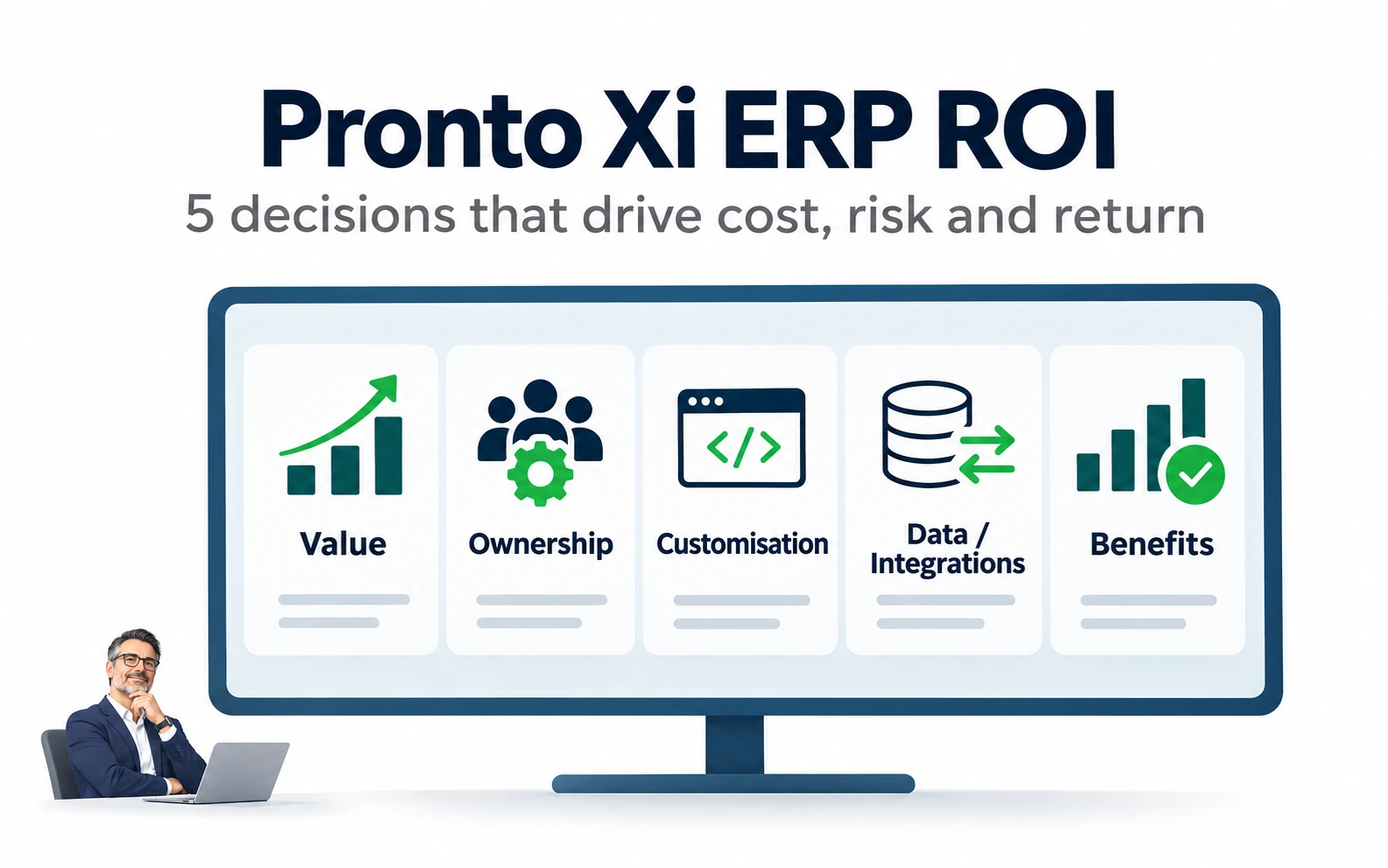
Pronto Xi Implementation ROI: 5 Decisions CFOs and CIOs Must Get Right
A CFO and CIO guide to the five decisions that determine whether a Pronto Xi implementation delivers real ROI.
A Pronto Xi implementation can become one of a mid-sized organisation's highest-return operational investments.
It can also become an expensive way to recreate old problems in a new system.
The difference is rarely determined by the software alone.
It is determined by decisions around:
- business value
- process ownership
- customisation
- data and integrations
- testing
- internal capability
- benefits realisation
Pronto Xi may sit across finance, inventory, purchasing, pricing, sales orders, warehousing, manufacturing, service delivery, reporting and third-party systems. A weakness in one area can therefore affect several others.
For CFOs, CIOs and IT leaders, the central question should not be:
Did Pronto Xi go live successfully?
It should be:
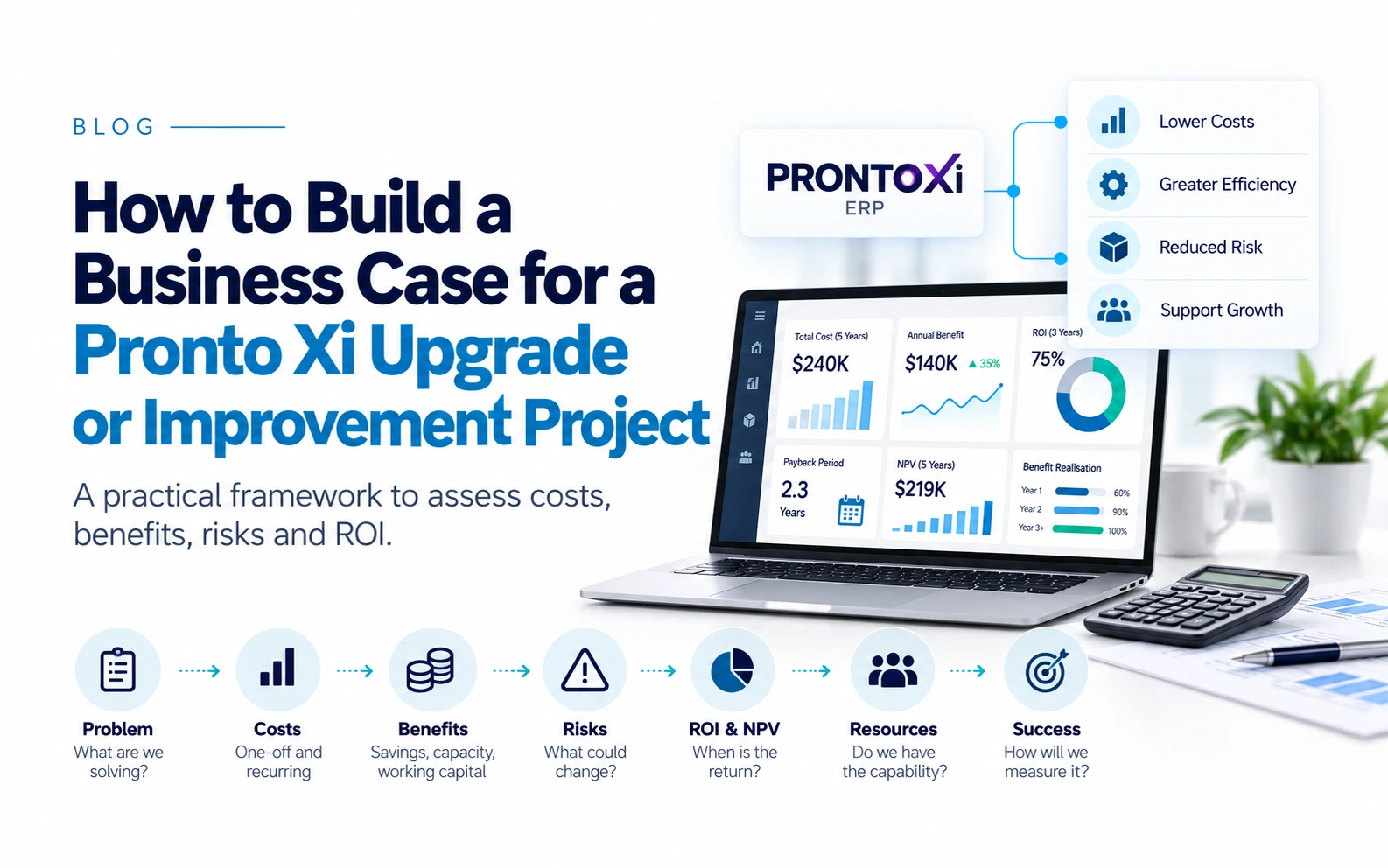
Did Pronto Xi release cash, improve margin, create capacity, reduce risk or improve decision-making?
Those are the outcomes that ultimately determine ERP ROI.
What ROI from Pronto Xi should actually mean
ERP benefits generally fall into four categories:
1. Cash-releasing benefits
Examples include reducing inventory or improving collections.
2. Profit-improving benefits
Examples include reducing pricing errors or manual effort.
3. Capacity-creating benefits
Examples include processing more transactions without increasing headcount.
4. Risk-reducing benefits
Examples include stronger financial controls, security or auditability.
This distinction matters because better visibility alone does not create ROI.
If Pronto Xi highlights excess inventory but purchasing policies do not change, no cash is released.
If reporting improves but managers continue using private spreadsheets, decision-making may not improve.
If workflows are configured but users bypass them, the expected control benefit disappears.
The implementation therefore needs to be governed around measurable business outcomes, not simply technical completion.
Decision 1: Define value before configuration begins
An ERP implementation should not begin with a list of modules to configure.
It should begin with a small number of measurable business problems.
These might include:
- Excess inventory
- Slow month-end close
- Manual order processing
- Pricing or promotion errors
- Weak purchasing controls
- Duplicate data entry
- Poor visibility across branches or warehouses
- Disconnected ecommerce, EDI or warehouse systems
- Heavy spreadsheet dependence
- Inconsistent management reporting
For every material expected benefit, establish:
- Current baseline
- Target outcome
- Accountable executive
- Measurement method
- Timeframe
- Expected financial or operational value
Typical measures include month-end close time, inventory accuracy, manual order corrections and purchase-approval time. Set your own baselines; there are no universal Pronto benchmarks.
Why it matters
A system can be technically live while:
- warehouse teams still distrust inventory
- finance still performs manual reconciliations
- users retain old workarounds
- managers still use spreadsheets outside the ERP
That is a deployment outcome, not necessarily a business outcome.
Executive action
Create a benefits register before detailed design begins.
For each major benefit, record:
- the problem being solved
- expected value
- process or behaviour that must change
- accountable owner
- evidence required to prove the result
A useful rule is:
Do not approve significant scope unless it supports a measurable outcome, an essential control or a regulatory requirement.
Decision 2: Make the business own the operating model
IT and implementation partners should not own unresolved business-process decisions.
Finance should own decisions affecting areas such as:
- chart of accounts
- financial controls
- costing
- taxation
- reconciliations
- delegations
- management reporting
Operations should own:
- inventory
- purchasing
- warehousing
- manufacturing
- distribution
- fulfilment
- service delivery
Sales and customer service should own:
- pricing
- promotions
- quotations
- sales orders
- returns
- credit processes
- customer workflows
IT should own:
- architecture
- environments
- integrations
- security
- availability
- recovery
- technical supportability
A useful governing principle is:
The implementation team configures the system, but the business owns the operating model.
Pronto-specific implication
A Pronto implementation partner may know Pronto Xi better than the client.
The client knows its business better than the implementation partner.
Both are required.
Neither should make major decisions without informed challenge from the other.
Executive action
Assign a named owner to each major end-to-end process, such as:
- order to cash
- procure to pay
- forecast to replenish
- inventory to dispatch
- record to report
- service request to completion
Also define who can:
- approve process design
- authorise customisation
- resolve cross-functional disagreement
- accept migrated data
- approve security roles
- sign off UAT
- make the final go-live decision
Without clear decision rights, workshops are repeated, decisions are delayed and consulting costs rise.
Decision 3: Treat every customisation as an investment decision
One of the most expensive patterns in ERP projects is preserving historical processes simply because:
"We have always done it this way."
Existing processes may contain:
- old workarounds
- duplicate approvals
- manual reconciliations
- unnecessary spreadsheets
- historical exceptions
- steps designed around limitations of the previous system
If those are automatically converted into future-state requirements, the business can spend heavily reproducing the very problems it intended to remove.
Why customisation costs more than the build
Every material customisation can create lifecycle cost through:
- documentation
- regression testing
- support
- specialist dependency
- integration complexity
- future upgrade effort
- risk of unintended consequences
The initial development cost is therefore only part of the economic decision.
See which Pronto Xi customisations to keep, replace or retire.
Pronto-specific example
Pricing and promotions show why.
A seemingly small change to how discounts or promotions behave after an order amendment may affect:
- customer agreements
- discount hierarchies
- rebates
- ecommerce orders
- EDI transactions
- credit notes
- margin reporting
- approval controls
The development effort may be small.
The downstream impact may not be.
Use the VALUE test
Before approving a significant customisation, ask:
V, Value
What measurable commercial outcome will it create?
A, Adoption
Will users consistently follow the new process?
L, Lifecycle cost
What will it cost to test, support and upgrade?
U, Uncertainty
What operational, financial or security risk could it introduce?
E, Evidence
How will the business prove that it works?
Keep a customisation register that records:
- business justification
- executive owner
- initial cost
- support responsibility
- testing requirements
- dependencies
- upgrade implications
The principle is simple:
Customisation should be an investment decision, not a workshop preference.
Decision 4: Bad data and weak integrations can destroy ROI even when Pronto is configured correctly
Technology can move data.
It cannot decide whether that data is:
- accurate
- current
- duplicated
- properly structured
- commercially useful
Business owners must decide:
- which customers and suppliers remain active
- which products should be migrated
- how much historical data is required
- which system is authoritative
- who owns units of measure and product hierarchies (master data governance)
- how opening balances and inventory will be reconciled
- which old reports and spreadsheets should be retired
Pronto-specific operational implication
In inventory-heavy Pronto environments, poor data can directly undermine operational outcomes.
Take a distributor whose purchasing and inventory configuration is sound, but whose inventory still rises because fields such as these are wrong:
- supplier lead times
- reorder points
- safety stock
- minimum order quantities
- units of measure
- product status
- demand history
The ERP will process bad data efficiently.
It will not make that data correct.
Pronto integration context
Systems that commonly exchange data with Pronto Xi include:
- ecommerce
- EDI
- warehouse systems
- freight providers
- payroll
- banking platforms
- customer portals
- CRM
- Cognos
- Phocas
- Power BI
- mobile applications
These are examples of systems that may exist in Pronto environments, not a claim that every Pronto customer uses them.
Why integration testing matters
An interface is not complete simply because data can pass between two systems under normal conditions.
The business also needs to know what happens when data is:
- late
- duplicated
- incomplete
- rejected
- incorrectly mapped
- sent while another system is unavailable
For each material integration, document:
- business owner
- source and destination
- trigger or frequency
- validation rules
- failure alert
- recovery process
- security method
- support responsibility
Executive action
Run multiple migration and integration rehearsals before go-live.
Each rehearsal should confirm:
- extraction
- transformation
- loading
- validation
- reconciliation
- timing
- error handling
- recovery
For CFOs, this protects financial integrity and reconciliation.
For CIOs, it protects system resilience and supportability.
For operations leaders, it protects continuity.
Decision 5: Test complete business outcomes and retain capability after go-live
Test end to end, not screen by screen
A purchase order may work.
A warehouse receipt may work.
An invoice may work.
That does not prove the full procure-to-pay process works.
Test complete flows such as:
Demand → requisition → approval → purchase order → receipt → invoice matching → payment → financial reporting
and:
Customer order → pricing → credit check → allocation → warehouse pick → dispatch → invoice → return or credit
Testing should also include realistic failure conditions:
- credit-limit breaches
- pricing changes
- partial supply
- damaged or returned stock
- supplier invoice discrepancies
- approval-limit breaches
- failed integrations
- incorrect access
- reversals
- month-end transactions in progress
- branch or warehouse connectivity problems
User acceptance testing should be completed by capable business representatives using documented scenarios and expected results.
It should not be reduced to a consultant-led demonstration that a screen opens and a transaction can be entered.
Protect internal capability
One of the quieter ERP risks is under-resourcing the client team.
The people who understand:
- process exceptions
- customer commitments
- financial controls
- data weaknesses
- informal workarounds
- operational dependencies
are often also the people carrying the heaviest day-to-day workload.
When they cannot participate properly, the project is more likely to experience:
- delayed decisions
- incomplete requirements
- weak testing
- poor documentation
- repeated workshops
- greater consultant dependency
Temporary backfilling can look expensive.
Poor design reaching production can be more expensive.
Pronto-specific capability after go-live
The organisation should retain enough internal Pronto Xi capability to:
- support users
- evaluate proposed changes
- coordinate vendors
- diagnose recurring issues
- maintain documentation
- manage data and reporting
- prepare for future upgrades
- continue improving processes
Internal Pronto capability is not merely a staffing issue.
It is part of the organisation's operating control environment.
Go-live is the start of ROI measurement
Once the system stabilises, return to the original business case.
Ask:
- Has month-end become faster?
- Has inventory accuracy improved?
- Are approvals faster and better controlled?
- Are manual order corrections declining?
- Is reporting more timely?
- Have unnecessary spreadsheets been retired?
- Are employees following the intended processes?
- Has operational risk declined?
- Are expected financial benefits appearing?
Every material benefit should have an operational owner after the implementation team disbands.
Without that ownership, improved capability may never turn into financial value.
Executive Pronto Xi ROI scorecard
CFOs, CIOs and IT leaders do not need to review every configuration detail.
They do need to know whether the program is still commercially sound.
Use this scorecard at steering committee meetings:
Value
- Are we still solving the original business problems?
- Which measurable benefits are currently at risk?
- Are the financial outcomes still credible?
Scope and customisation
- Where is scope increasing?
- Which customisations have been approved?
- What is their lifecycle cost?
Data and integration
- Is data quality improving demonstrably?
- Have critical interfaces been tested under failure conditions?
- Is recovery ownership clear?
Testing and readiness
- Have critical business processes been tested end to end?
- What evidence supports current go-live confidence?
- Have realistic exceptions been tested?
Capability
- Do we have enough internal Pronto Xi capability?
- What knowledge will remain inside the business after consultants leave?
These questions focus executive attention on value, evidence and risk, rather than activity or percentage-complete reporting.
Final perspective
The greatest threat to Pronto Xi ROI is usually not one catastrophic mistake.
It is the accumulation of smaller decisions:
- preserving an unnecessary historical process
- approving another minor customisation
- migrating unreliable data
- leaving an interface risk unresolved
- testing only the standard transaction path
- withholding key employees from the project
- accepting long-term consultant dependency
- declaring success at go-live
The strongest implementations take a different approach.
They define value before configuration.
They make business leaders accountable for process decisions.
They standardise before customising.
They treat data, integrations and testing as operational controls.
They retain internal Pronto Xi capability.
And they continue measuring benefits after the system is live.
For CFOs and CIOs, that is the central lesson:
Pronto Xi ROI is not primarily a software outcome. It is a governance, process, data and operating-discipline outcome.
Checklists
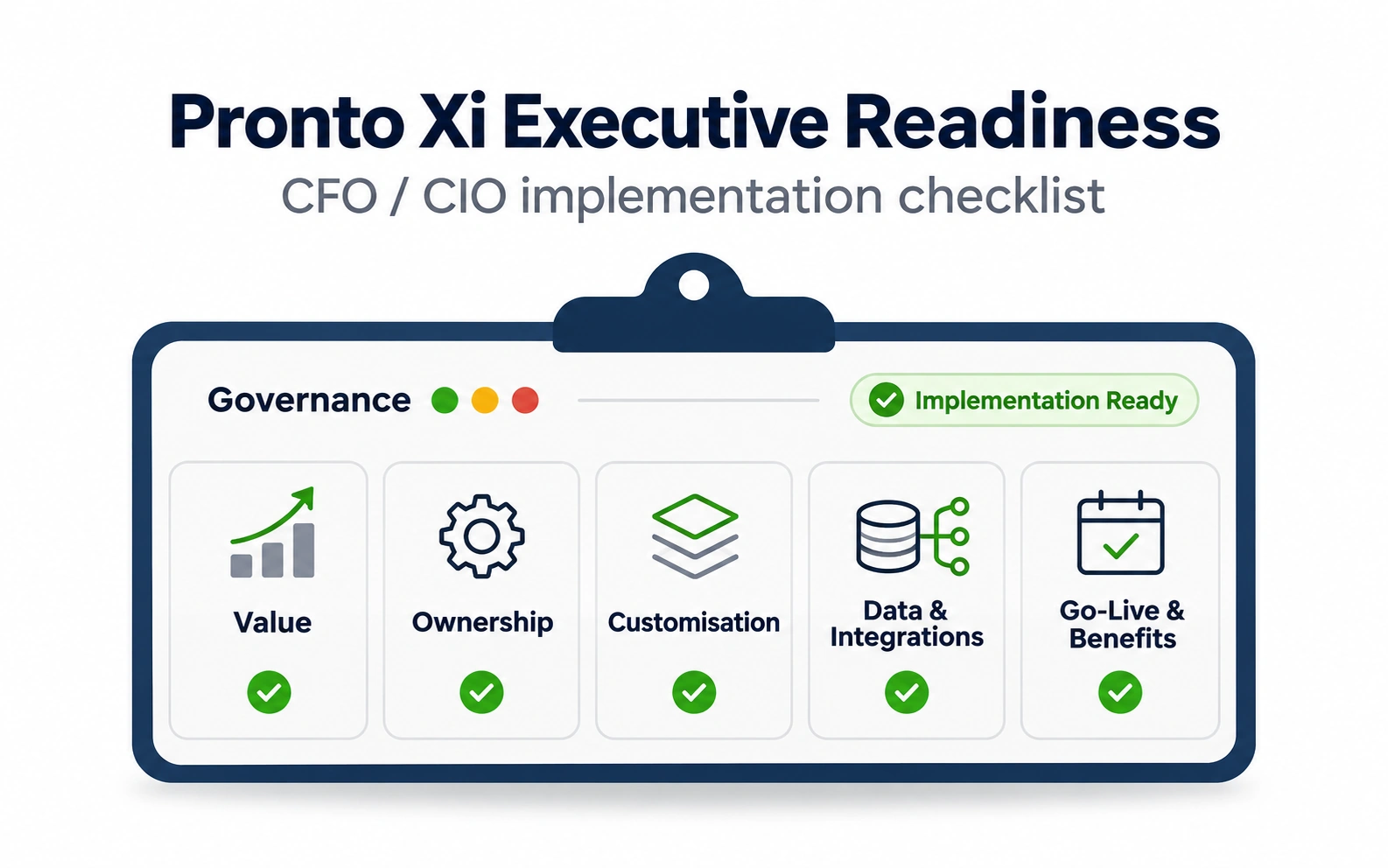
Use the Pronto Xi implementation readiness checklist before kick-off and go-live, and review the five most costly Pronto Xi implementation mistakes with your steering committee. For testing and data, see the Pronto Xi UAT checklist and the data migration checklist.
The executive test is simple: are you still solving the original business problems, and can you prove the benefits are being realised?
Need Pronto Xi support and application expertise to retain internal capability after go-live? Talk to SAAPRO, or see our Pronto Xi implementation service.
Frequently Asked Questions
CFOs and CIOs can improve Pronto Xi ERP ROI by defining measurable business outcomes before configuration, assigning clear business ownership, limiting unnecessary customisation, improving data and integration controls, testing end-to-end business processes, retaining internal Pronto capability and measuring benefits after go-live.
The biggest risk is focusing on software configuration rather than measurable business outcomes. Poor governance, weak data quality and excessive customisation can significantly reduce ROI.
Not usually. Standard functionality should be used wherever possible. Customisations should only be approved when they deliver clear commercial value and justify their ongoing maintenance costs, because every customisation adds future testing, upgrade and support effort.
The business should own process decisions, while implementation partners provide technical expertise and configuration. Clear business ownership leads to better adoption and stronger long-term outcomes.
Clean, accurate data is essential for inventory, finance, purchasing and reporting. Migrating poor-quality data simply transfers existing problems into the new ERP system, so data quality should be validated before migration.
No. Go-live marks the beginning of benefits realisation. Organisations should continue measuring business outcomes, improving processes and building internal capability after deployment.
Key Takeaways
- ✓Pronto Xi ROI should be measured by released cash, improved margin, created capacity and reduced risk, not by a successful go-live.
- ✓Create a benefits register with baselines, targets and accountable owners before detailed design begins.
- ✓The implementation team configures the system, but the business must own the operating model and process decisions.
- ✓Treat every significant customisation as an investment decision and test it against value, adoption, lifecycle cost, uncertainty and evidence.
- ✓Rehearse data migration and integrations under failure conditions, test complete business flows end to end, and retain internal Pronto Xi capability after go-live.