Pronto Xi Data Migration Checklist: Cleansing, Mapping and Reconciliation
A practical Pronto Xi data migration checklist covering who owns the data, what to cleanse and map, which acceptance criteria to agree and how to reconcile balances before go-live.
What does a successful Pronto Xi data migration look like?
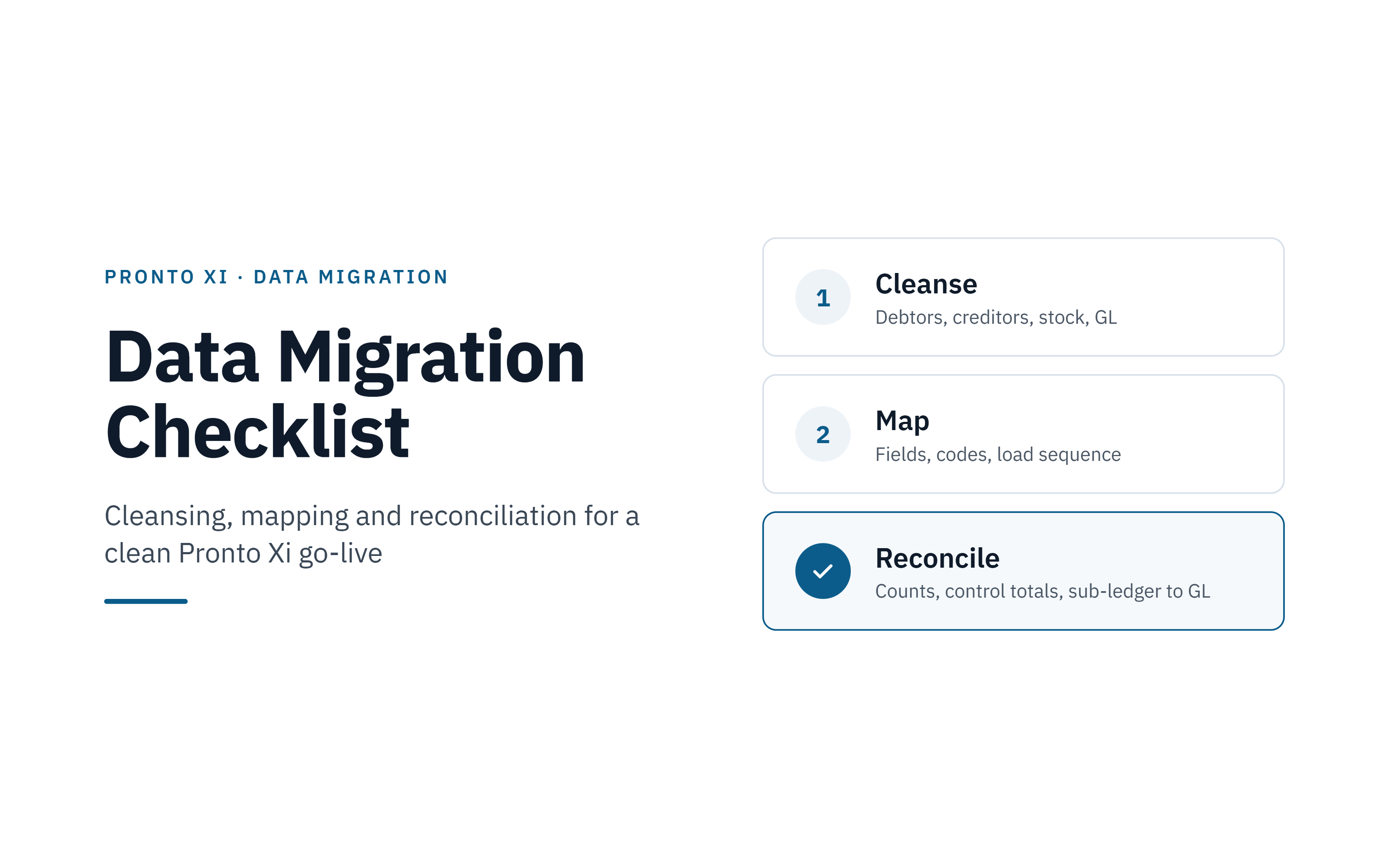
A Pronto Xi data migration is successful when every balance in the legacy system at the cut-off date matches Pronto Xi, every variance is explained and approved in writing, and someone independent of the load has signed the reconciliation. Three disciplines get you there: cleansing data before it moves, mapping every field and code deliberately, and reconciling balances at three levels before go-live.
For CFOs, CIOs and IT leaders, migration is where the return on a Pronto ERP investment is often won or lost. Clean, reconciled opening data means the first month-end close, the first debtor statement run and the first creditor payment run work as designed. Poor data pushes cost into the months after go-live, as manual workarounds, audit queries and reports nobody trusts.
This checklist uses Pronto Xi's own terms: debtors for customers, creditors for suppliers and stock items for products. It covers:
- who owns each data domain, and who must stay independent
- what to cleanse and how to map it
- measurable acceptance criteria, with tolerances agreed up front
- how to reconcile balances, with four worked examples
Important: this checklist is general guidance, not advice for your specific system. Every Pronto Xi environment differs in version, modules, configuration, customisations and integrations. Confirm load methods, sequences and controls with your own Pronto consultant or implementation partner, and agree tolerances and record-keeping with your auditor and advisers.
Who should own data in a Pronto Xi migration?
The business owns the data; IT and the implementation team own the method. The most common ownership failure is leaving cleansing decisions, such as which debtors to retire or which stock costs are right, to technical staff who cannot judge them.
| Role | Owns | Signs off |
|---|---|---|
| CFO or finance controller | Chart of accounts mapping, opening trial balance, debtor and creditor balances, stock valuation, materiality tolerances | Final reconciliation and go/no-go |
| CIO or IT leader | Extract and load tooling, environments, security of data in transit, cutover runbook, rollback plan | Technical readiness |
| Migration lead | Plan, trial load schedule, issue and variance logs, evidence pack | Readiness for each trial load |
| ERP manager | Pronto Xi configuration, code tables, load sequence | Each trial load result |
| Business analysts | Field mapping workbook, transformation rules, test scripts | Mapping workbook per domain |
| Domain data owners (sales, purchasing, inventory) | Cleansing decisions: duplicates, inactive records, terms, prices, units of measure | Cleansed extract for their domain |
| Implementation partner | Pronto Xi load methods for your version, validation reports | Load completeness |
| External auditor | Review of approach, tolerances and evidence (consult early, not after go-live) | Comfort on opening balances, per your audit arrangements |
Independence rule: the person who loads data should not be the person who reconciles it. Separating the two is a basic control that auditors expect, and it catches errors the loader is least likely to see.
Pronto Xi data cleansing checklist
Clean data in the legacy system before extraction, so every trial load reuses the fix and legacy reports stay comparable with Pronto Xi.
All data
- Profile each source table: row counts, blank fields, distinct values, date ranges
- Agree an inactivity rule, for example no transactions in 24 months and a zero balance means do not migrate
- Merge duplicates and keep an old-code to new-code cross-reference
- Standardise dates, phone numbers, states, postcodes and country codes
- Remove characters that break CSV loads, such as stray commas, quotes and line breaks
- Set a data quality target per object, such as the share of mandatory fields populated, and measure it on every extract
Debtors (customers)
- Check each ABN is 11 digits and verify status and GST registration on ABN Lookup
- Confirm bill-to, ship-to and head-office relationships
- Review credit limits, payment terms, account holds and sales rep assignment
- Resolve unapplied cash and disputed invoices before cut-off
Creditors (suppliers)
- Verify ABN and GST status
- Confirm bank details through an independent call-back before loading
- Review payment terms and remittance email addresses
Stock items
- Retire obsolete and zero-movement items
- Confirm units of measure and conversion factors
- Correct zero or negative costs on active items
- Confirm whether the costing method changes on migration (for example average to standard) and quantify the revaluation
- Count stock close to cut-off and resolve negative on-hand quantities
General ledger
- Close duplicate and unused accounts
- Clear suspense and clearing accounts, or document what remains
- Agree intercompany balances between entities at cut-off
- Confirm the legacy trial balance balances at cut-off
Pronto Xi data mapping checklist
Keep one version-controlled mapping workbook as the single source of truth for every field and code translation, and freeze it before each trial load.
- Map every legacy GL account to exactly one Pronto Xi account and its segments
- Map code tables first: payment terms, tax codes, territories, sales reps, product groups, units of measure, price levels
- Decide whether to keep legacy debtor, creditor and stock codes or renumber with a cross-reference
- Record, per field: source, target, mandatory flag, transformation rule, default value and approver
- Confirm the load method for each object with your implementation partner, as tooling varies by Pronto Xi version
- Decide once whether control-account balances arrive through sub-ledger loads or the opening trial balance journal, so nothing is counted twice
- Map foreign-currency debtors and creditors with their currency and the cut-off exchange rate
Typical load sequence
- Code tables and GL structure
- Debtors, creditors and stock items
- Opening stock quantities and values by warehouse
- Open debtor and creditor items
- Open sales and purchase orders
- Opening GL trial balance
- History, if in scope
Confirm with your Pronto consultant
The right answers here depend on your environment, so settle them with your Pronto consultant or implementation partner before mapping is frozen:
- which load methods and tools are available for your Pronto Xi version and modules
- how your company and dataset structure should shape the GL and code-table mapping
- how stock costing is configured, and how opening stock values should be loaded
- whether customisations, 4GL modifications or integrations change how records load or post
- how each sub-ledger load posts to the GL, so control accounts are not double-counted
What are good acceptance criteria for an ERP data migration?
Good acceptance criteria are measurable pass/fail tests agreed before the first trial load, not judgements made on go-live weekend. Agree tolerances with your CFO and external auditor up front; the examples below are a starting point.
| Criterion | Pass condition | Signed by |
|---|---|---|
| Tolerances | Materiality threshold per check agreed in writing with the CFO and auditor before trial load 1 | CFO |
| Record completeness | Loaded count = extracted count less documented exclusions and rejects | ERP manager |
| Data quality | Each object meets its agreed target for mandatory fields populated | Business analyst |
| GL trial balance | Every account matches legacy at cut-off; debits equal credits; ties to signed management or audited accounts | CFO or finance controller |
| Debtor balances | Aged trial balance total and each ageing bucket match | Finance controller |
| Creditor balances | Aged trial balance total and each ageing bucket match | Finance controller |
| Stock | Quantity matches per item per warehouse; value matches, after any approved costing-method revaluation | Finance controller, inventory owner |
| Sub-ledger to GL | Debtor, creditor and stock totals equal their control accounts | Finance controller |
| Field accuracy | Hash totals on key fields match, such as total credit limits and total standard cost | Business analyst |
| Process test | Users complete a sales order, receipt, cash application, statement and payment run on migrated data | Domain data owners |
| Independence | Reconciliation performed by someone other than the loader | Migration lead |
| Variances | Zero unexplained variance; each explained one has a cause, amount and approver | CFO |
| Evidence pack | Extracts, load logs, reports and signed reconciliations filed for the auditor | Migration lead |
| Cutover timing | Dress rehearsal completes inside the agreed outage window | CIO or IT leader |
Rollback triggers
Agree in advance what stops go-live, so the decision is not made under pressure. Typical triggers:
- an unexplained variance above tolerance on any control total
- a sub-ledger that does not tie to its control account
- a failed process test on a critical flow, such as invoicing or payments
- the cutover running past the point where the legacy system can no longer be restored within the outage window
Run the full set of criteria on every trial load. A criterion tested only on the final load is a risk, not a control.
How do you reconcile balances after migrating to Pronto Xi?
Reconcile at three levels: record counts, control totals, and sub-ledger to general ledger. In every example below, variance = legacy minus Pronto Xi, so a negative variance means Pronto Xi shows more than the legacy system. Figures are illustrative, not client data.
Example 1: Debtor aged trial balance (illustrative)
| Ageing bucket | Legacy at cut-off ($) | Pronto Xi after load ($) | Variance ($) |
|---|---|---|---|
| Current | 742,300.00 | 744,900.00 | -2,600.00 |
| 30 days | 318,450.40 | 318,450.40 | 0.00 |
| 60 days | 156,210.00 | 156,210.00 | 0.00 |
| 90+ days | 67,600.00 | 67,600.00 | 0.00 |
| Total | 1,284,560.40 | 1,287,160.40 | -2,600.00 |
Cause: a $2,600.00 unapplied receipt was rejected because its debtor code had been merged into a surviving duplicate. Fix: apply the cross-reference in the mapping rules and reload. The bucket-level check located the gap immediately; a total-only check would not have shown where it sat.
Example 2: Stock unit of measure (illustrative)
| Check | Legacy ($) | Pronto Xi ($) | Variance ($) |
|---|---|---|---|
| Total stock value | 2,450,000.00 | 2,440,303.50 | 9,696.50 |
| One item: 50 cartons of 12 at $211.56 per carton | 10,578.00 | 881.50 | 9,696.50 |
Cause: the item was loaded as 50 each at $17.63, instead of 600 each. Fix: correct the conversion rule (1 carton = 12 each) and reload. A quantity-per-item check would also have caught it.
Example 3: Sub-ledger to GL (illustrative)
| Check | Expected ($) | Pronto Xi ($) | Variance ($) |
|---|---|---|---|
| Debtor sub-ledger total | 1,284,560.40 | 1,284,560.40 | 0.00 |
| Accounts receivable control account | 1,284,560.40 | 2,569,120.80 | -1,284,560.40 |
Cause: the receivables balance arrived twice, through the open-invoice load and again through the opening trial balance journal. Fix: decide one route for each control account before loading, then reverse the duplicate.
Example 4: Costing method change (illustrative)
| Check | Legacy, average cost ($) | Pronto Xi, standard cost ($) | Variance ($) |
|---|---|---|---|
| One item: 1,000 units | 10,400.00 (at $10.40) | 10,000.00 (at $10.00) | 400.00 |
Cause: the business moved this item from average to standard cost. This is an expected difference, not an error. Fix: post a revaluation journal at cut-off to the agreed GL account, approved by the CFO, and record it as an explained variance.
Reconciliation checklist
- Record counts per object, with a reject list
- GL trial balance by account, tied to signed management or audited accounts at cut-off
- Debtor and creditor aged balances by bucket and for the 20 largest accounts
- Stock quantity per item per warehouse, and value by product group
- Costing-method revaluations quantified and journalled
- Open sales and purchase orders by count and value
- Debtor, creditor and stock sub-ledgers to their GL control accounts
- Intercompany balances agree between entities
- Foreign-currency balances revalued at the agreed cut-off rate
- GST: if cut-off falls inside a BAS period, reconcile GST for that period across both systems
- Variance log signed by the finance controller, prepared by someone other than the loader
How migration quality protects your Pronto ERP ROI
The return on a Pronto Xi investment depends on people trusting the data from day one. Migration quality shows up in five places leaders track:
- Month-end close: reconciled opening balances mean the first close in Pronto Xi starts from a known position, not an investigation.
- Cash flow: correct debtor terms, credit limits and statement contacts keep collections running through cutover.
- Audit: a signed evidence pack and pre-agreed tolerances give the auditor a clear trail for opening balances.
- Reporting: dashboards and board packs are only as good as the master data beneath them.
- Legacy run cost: Australian companies must retain financial records for 7 years after the transactions they cover under section 286 of the Corporations Act 2001, as ASIC also notes. Whether you migrate history or keep the legacy system read-only, cost the hosting, licences and access for that period into the business case.
Match the migration to the expertise required
Identify the capability gap before the first trial load: business analysts for mapping and cleansing rules, Pronto functional consultants for load methods and configuration, or financial controllers with Pronto experience for reconciliation and sign-off.
Contact SAAPRO to discuss permanent or contract Pronto professionals who can help you plan and reconcile the migration.
Frequently Asked Questions
Cleanse data in the legacy system, map every field and code in a controlled workbook, load in a fixed sequence (code tables, debtors, creditors and stock items, open items, opening balances), then reconcile counts, control totals and sub-ledgers to GL. Repeat through trial loads until results pass the agreed acceptance criteria.
Plan for at least two trial loads plus a full dress rehearsal, each reconciled in full. Stop when a load passes every acceptance criterion inside the cutover window.
There is no universal figure. Agree a materiality threshold per check with your CFO and external auditor before the first trial load, and require every variance, inside tolerance or not, to be explained.
A common approach is to migrate open items and balances, and keep detailed history in a read-only legacy system or archive. Either way, companies must be able to access financial records for 7 years under section 286 of the Corporations Act, so include that cost in the plan.
The CFO or finance controller signs the financial reconciliation, domain data owners sign their cleansed data, and the CIO or IT leader signs technical readiness and the rollback plan. The reconciliation should be prepared by someone other than the person who loaded the data.
Common causes are rejected records, duplicate codes merged without a cross-reference, unit-of-measure conversion errors, control-account balances loaded twice, and costing-method changes not journalled.
Align it to a period end, ideally one that is also the end of a BAS period, so legacy reports give a clean, auditable baseline and GST is not split across systems.
It covers the principles that apply to most migrations, but the details depend on your Pronto Xi version, modules, configuration and customisations. Review it with your own Pronto consultant or implementation partner before you plan your migration.
Key Takeaways
- ✓A Pronto Xi migration succeeds when every cut-off balance matches, every variance is explained and approved in writing, and someone independent of the load signs the reconciliation.
- ✓The business owns the data; IT and the implementation team own the method. The person who loads the data should not be the person who reconciles it.
- ✓Cleanse data in the legacy system before extraction, so every trial load reuses the fix.
- ✓Keep one version-controlled mapping workbook, and decide once how each control account is loaded so nothing is counted twice.
- ✓Agree measurable acceptance criteria, tolerances and rollback triggers before the first trial load, and run them on every load.
- ✓Reconcile at three levels: record counts, control totals, and sub-ledger to general ledger.