Pronto Xi Upgrade Checklist: Readiness, Budget, Testing and Go-Live
A practical Pronto Xi upgrade checklist covering readiness, budget, testing, reconciliation, cutover, rollback and go-live sign-off, designed to help ERP managers and business owners treat a Pronto Xi upgrade as a business-continuity program, not just a technical software update.
What should you check before upgrading Pronto Xi?
Before upgrading Pronto Xi, confirm what is changing, what depends on the current environment, how critical processes will be tested, who will sign them off, and what happens if go-live fails.
A robust Pronto Xi upgrade plan should cover the current and target versions, customisations, integrations, infrastructure, data, reports, internal resources, regression testing, financial reconciliation, cutover, rollback and business sign-off.
The key principle is:
A Pronto Xi upgrade is not successful because the new version installs. It is successful when the business can safely perform and reconcile its critical processes on the upgraded environment.
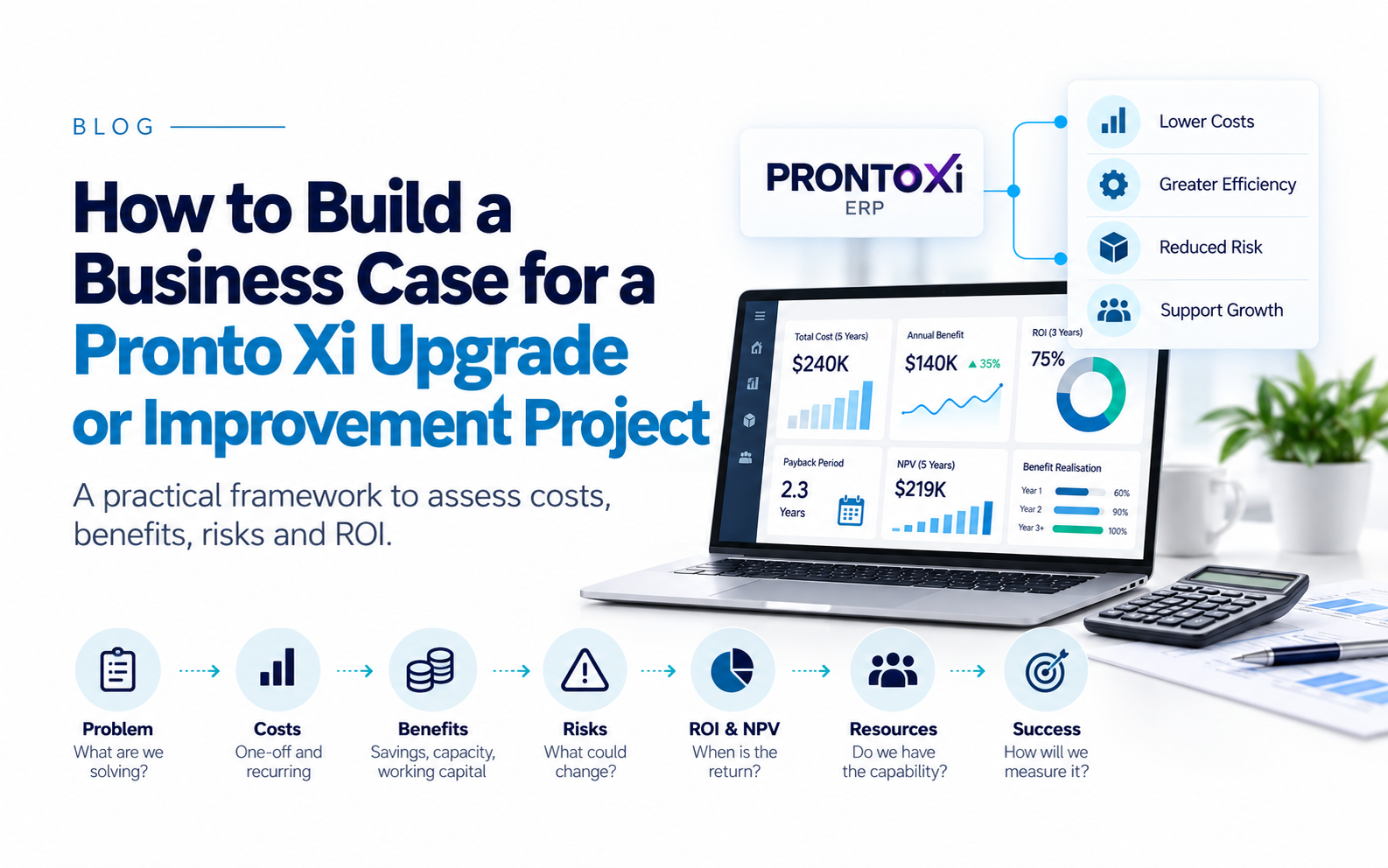
That makes a Pronto Xi upgrade a business-continuity and control program, not merely a technical software change.
Pronto Xi upgrade readiness at a glance
| Area | Critical question | Evidence required before go-live |
|---|---|---|
| Scope | What exactly is changing? | Agreed upgrade scope and exclusions |
| Version | What are we moving from and to? | Confirmed source and target releases |
| Customisations | What differs from standard Pronto Xi? | Complete customisation register |
| Integrations | What systems depend on Pronto Xi? | Interface inventory and test evidence |
| Architecture | Is infrastructure ready? | Technical design and capacity validated |
| Data | Can results be trusted? | Data-quality checks and reconciliations |
| Reports/forms | Will critical outputs remain correct? | Regression results and owners' approval |
| Resources | Are the right people available? | Named team with committed capacity |
| Testing | Have real business processes been proven? | UAT and regression evidence |
| Defects | What remains unresolved? | Severity classification and acceptance |
| Cutover | Can production be transitioned safely? | Approved cutover runbook |
| Rollback | Can the business recover if necessary? | Tested recovery process and triggers |
| Sign-off | Who accepts the residual risk? | Formal business-owner approval |
1. First, define what kind of change you are making
Not every “Pronto Xi upgrade” is the same project.
An organisation may be undertaking one or more distinct changes:
Application version change — moving from one Pronto Xi release to another.
Infrastructure or deployment change — for example, changing hosting arrangements, servers, operating systems or moving towards cloud delivery.
Business-process change — changing workflows, introducing new modules, replacing customisations or redesigning operating procedures.
Integration change — replacing APIs, middleware, external applications or interfaces.
These streams should be identified and risk-assessed separately even when they are delivered together.
Combining several major changes can be justified, but it makes testing and fault diagnosis significantly harder.
If an invoice fails after go-live, the team needs to know whether the cause is:
-
the Pronto Xi release;
-
a customisation;
-
an interface;
-
infrastructure;
-
migrated data; or
-
a redesigned process.
The more variables changed at once, the harder that becomes.
2. Know your current Pronto Xi environment before changing it
Start with a documented baseline.
Record:
-
current Pronto Xi release;
-
target release;
-
installed applications;
-
deployment model;
-
database and infrastructure;
-
patches;
-
custom programs;
-
integrations;
-
scheduled processes;
-
reports and forms;
-
connected applications; and
-
business-critical batch jobs.
Pronto Xi 780 introduced changes across its web interface, Financials, Payroll & Resources, Distribution, Service, Resource Management, Business Intelligence and other areas, so an upgrade can affect substantially more than the technical platform.
Then establish why the upgrade is being undertaken.
The reason may be support lifecycle, security, regulatory changes, access to newer functionality, infrastructure strategy, cloud adoption or removal of technical debt.
The business case should determine where testing and management attention are concentrated.
3. Have you reviewed every customisation?
Customisation is one of the biggest sources of upgrade uncertainty.
Pronto provides development capabilities including its RAD environment, 4GL and SDK, allowing organisations to extend the standard application substantially.
That flexibility also means an older environment may contain years of accumulated development.
Do not automatically migrate every customisation.
Use a disposition framework:
| Existing customisation | Recommended question | Possible decision |
|---|---|---|
| Still business-critical | Is standard functionality insufficient? | Retain |
| Standard capability now exists | Can the customisation be eliminated? | Retire |
| Business process has changed | Is the original requirement still valid? | Replace |
| Low usage / high support cost | Does its value justify future testing? | Challenge |
| Undocumented or unsupported | Can ownership and behaviour be established? | Remediate |
| Duplicate functionality | Can processes be consolidated? | Remove |
For each retained customisation, document its business owner, technical owner, dependencies and regression-test cases.
The goal should not simply be to make old custom code run on the new version.
An upgrade is an opportunity to reduce unnecessary technical debt before carrying it into the next release cycle.
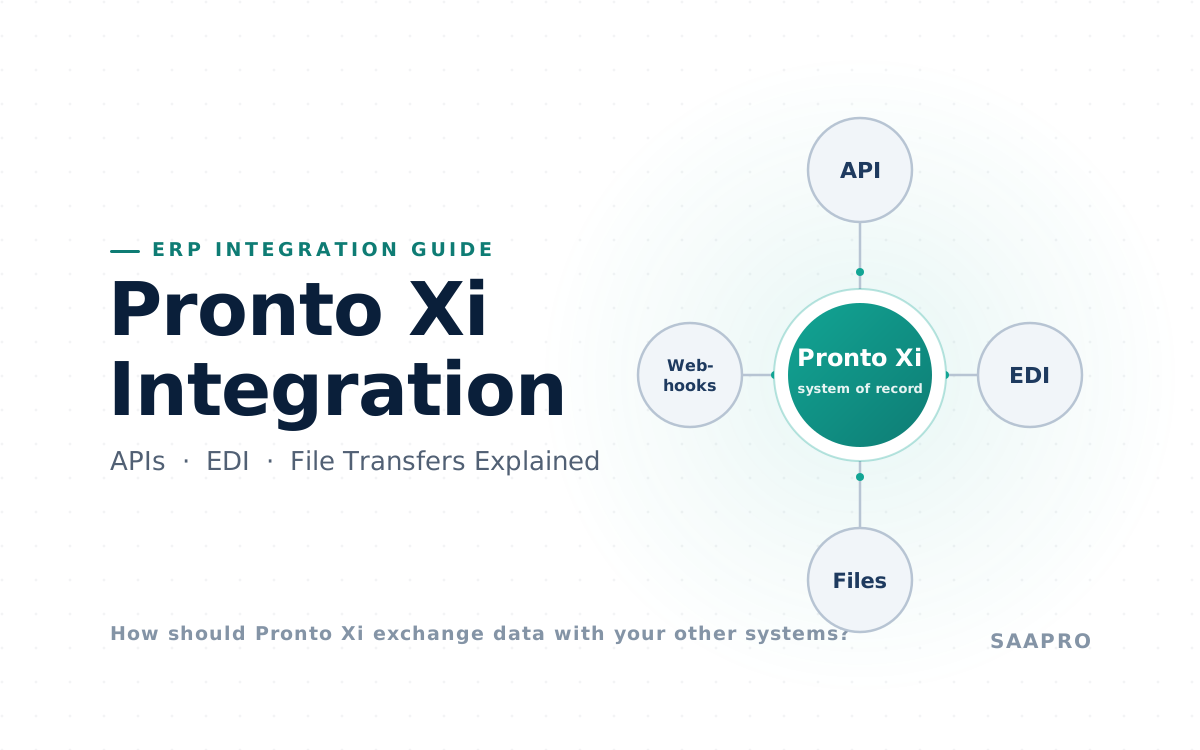
4. Have you mapped every integration?
ERP upgrades frequently expose problems outside the ERP itself.
A functioning Pronto Xi installation can still create serious disruption if:
-
ecommerce orders stop arriving;
-
EDI transactions fail;
-
warehouse scanning stops;
-
payroll interfaces break;
-
banking outputs change;
-
freight systems reject messages;
-
CRM integration fails; or
-
reporting feeds stop updating.
Pronto Connect provides RESTful and web-service integration capability, while Pronto's platform also supports webhooks and development tools.
For every business-critical interface, document:
| Requirement | What to establish |
|---|---|
| Ownership | Business and technical owner |
| Data flow | Source, destination and system of record |
| Frequency | Real-time, scheduled or batch |
| Method | API, file, middleware or other |
| Security | Authentication and permissions |
| Monitoring | How failure is detected |
| Recovery | Retry and reconciliation method |
| Volume | Expected transaction load |
| Upgrade dependency | Components affected by the new release |
| Test evidence | Expected versus actual results |
Do not test only whether a message was transmitted.
Test whether the correct transaction appeared in the destination system and reconciled back to the source.
5. Is the architecture ready?
Confirm that the target environment supports the proposed release and workload.
Review:
-
infrastructure;
-
database;
-
storage;
-
network capacity;
-
authentication;
-
security configuration;
-
browser compatibility;
-
certificates;
-
printing;
-
email;
-
backup;
-
disaster recovery;
-
scheduled jobs;
-
test environment; and
-
production environment.
Pronto Xi’s core architecture includes its runtime, relational database, proprietary 4GL and web interface, with Pronto Connect providing integration capabilities.
If an infrastructure or hosting migration is being performed at the same time as the upgrade, treat it as a separate risk stream.
“Upgrade Pronto” and “change where Pronto runs” are not the same change.
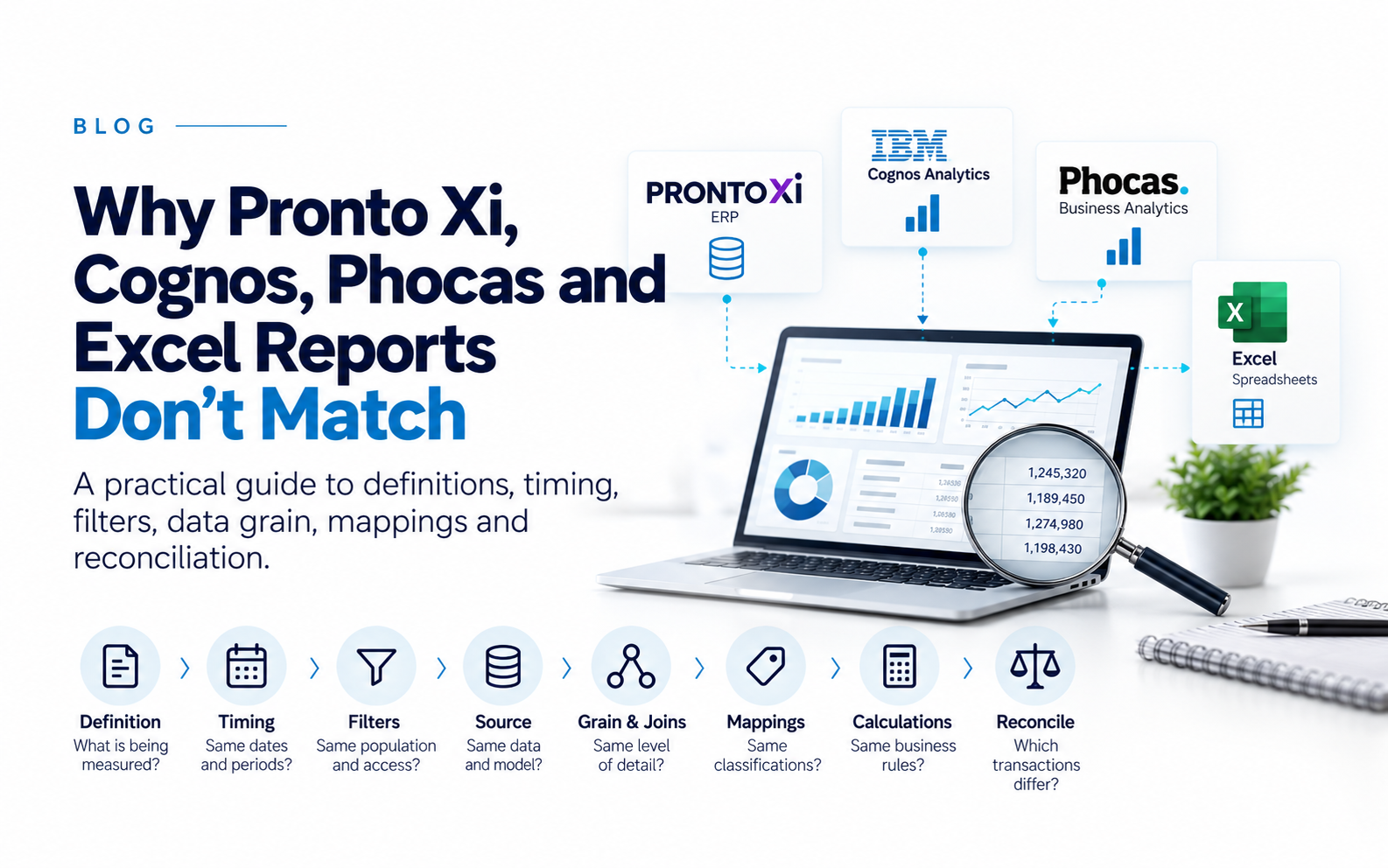
6. Is the data ready, and can you prove it reconciles?
An upgrade will not fix poor master data.
Before testing, review issues such as:
-
duplicate or inactive master records;
-
invalid codes;
-
obsolete users;
-
open transactions;
-
unreconciled accounts;
-
inventory anomalies;
-
old purchase and sales orders;
-
asset records;
-
employee records; and
-
stalled interface transactions.
Pronto’s current education materials include Data Quality Management processes covering data-quality checks, scheduled checks and remediation activities.
More importantly, reconciliation should be a formal upgrade control.
| Reconciliation | What should agree |
|---|---|
| General ledger | Pre- and post-upgrade balances |
| Accounts receivable | AR subledger to GL |
| Accounts payable | AP subledger to GL |
| Inventory | Quantity and valuation |
| Payroll | Payroll totals to GL |
| Fixed assets | Asset register to GL |
| Bank interfaces | Output totals and accepted transactions |
| Integrations | Source and destination transaction counts/values |
| Management reports | Key reports before and after upgrade |
A process is not proven merely because users can enter a transaction.
The resulting financial and operational data must also remain correct.
7. What should be included in the upgrade budget?
Do not base the budget solely on Pronto or implementation-partner fees.
The real five-year or project cost can include:
-
vendor and consulting services;
-
Pronto specialists;
-
integration remediation;
-
customisation changes;
-
infrastructure;
-
cloud or hosting changes;
-
data migration;
-
testing;
-
reporting and forms;
-
training;
-
external application vendors;
-
internal project staff;
-
business-user backfill;
-
cutover support;
-
post-go-live hypercare; and
-
contingency.
The most frequently underestimated cost is often internal business capacity.
If the Financial Controller, Payroll Manager, Warehouse Manager and ERP Manager spend significant time on testing, that cost is real even though it does not appear on a supplier invoice.
There is also opportunity cost:
What normal business work is being delayed because the organisation's most knowledgeable people are supporting the upgrade?
Contingency should reflect uncertainty. A poorly documented, heavily customised environment with many integrations warrants more contingency than a relatively standard, well-controlled environment.
8. How should you test a Pronto Xi upgrade?
Pronto's published implementation methodology explicitly includes training, testing and business simulations before go-live.
The important principle is:
Test processes, not screens.
Do not simply prove that Sales Order Entry opens.
Prove that the organisation can:
order → price → allocate → pick → despatch → invoice → post → reconcile
Testing should cover technical operation, functional regression and user acceptance.
Priority end-to-end scenarios commonly include order-to-cash, procure-to-pay, inventory, warehouse operations, manufacturing, payroll, maintenance, service, banking and month-end close.
Exceptions matter as much as normal transactions. Include:
-
returns;
-
partial receipts;
-
stock shortages;
-
backorders;
-
held orders;
-
foreign currencies;
-
payroll corrections;
-
failed integrations; and
-
period-end transactions.
9. Classify defects before go-live
“Testing is 95% complete” tells executives very little.
A single unresolved payroll or GL defect can matter more than fifty cosmetic defects.
Use an agreed severity model:
| Severity | Example | Recommended go-live treatment |
|---|---|---|
| Critical | Payroll cannot run, incorrect GL posting, warehouse cannot operate, material data corruption | Must be resolved |
| High | Critical process requires risky manual workaround | Resolve or require explicit executive risk acceptance |
| Medium | Process works but has a non-critical limitation | May defer with owner and remediation date |
| Low | Cosmetic or minor usability issue | Can normally defer |
Every unresolved defect should have:
-
severity;
-
business impact;
-
workaround;
-
owner;
-
target resolution date; and
-
acceptance authority.
The project team should not be able to downgrade business impact merely to preserve the planned go-live date.
10. Have you tested reports, forms and outputs?
An ERP can process transactions correctly and still fail the business because its outputs are wrong.
Check critical:
-
invoices;
-
purchase orders;
-
remittance advices;
-
payslips;
-
labels;
-
picking documents;
-
financial statements;
-
Cognos reports;
-
dashboards;
-
regulatory reports; and
-
operational reports.
Pronto Xi 780 included changes across reporting, analytics and IBM Cognos-related functionality, as well as new operational reports and dashboards.
Assign a business owner to every critical output.
“Report runs” is not the acceptance criterion.
Correct data, correct format and correct distribution are.
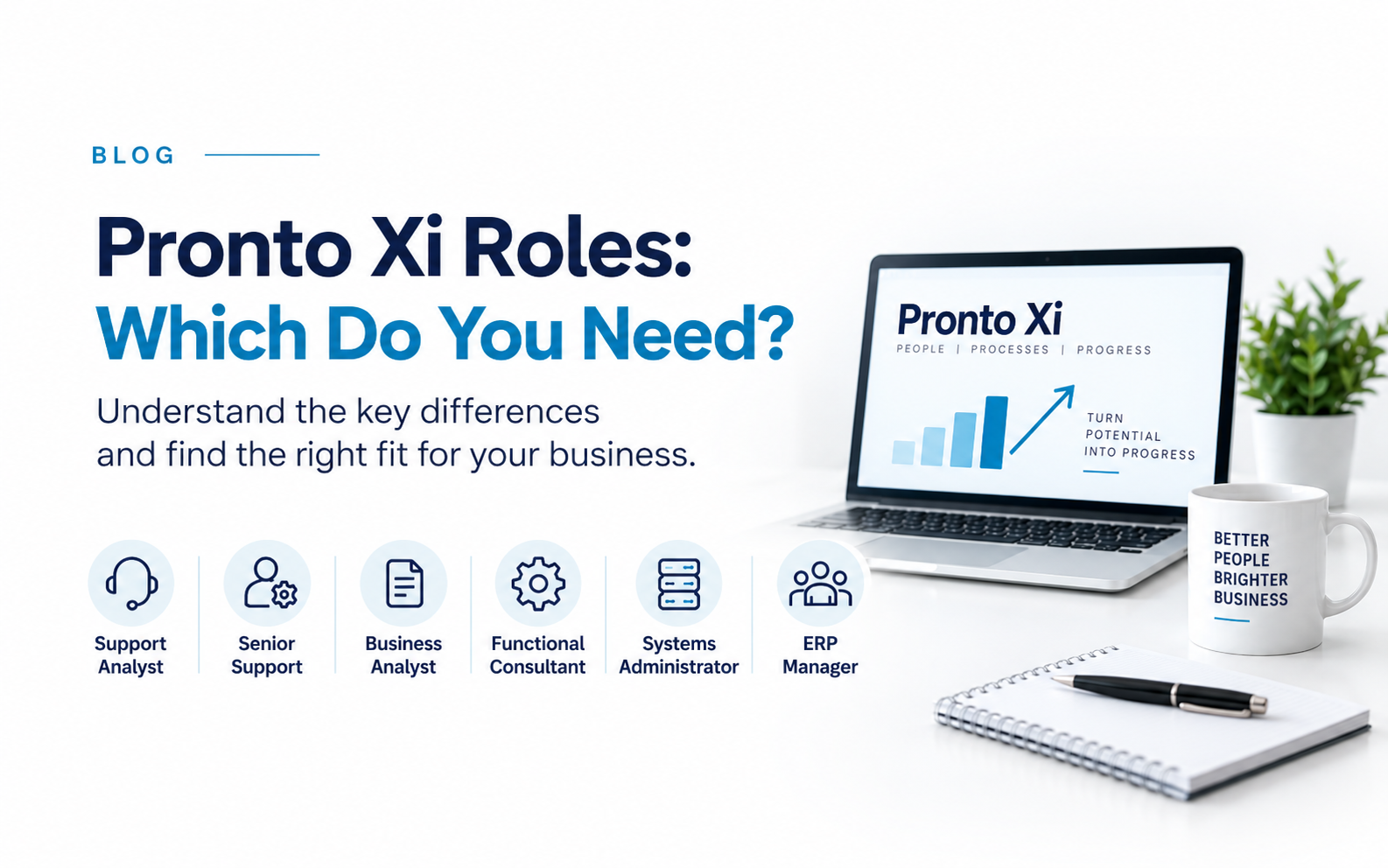
11. Are the right people actually available?
ERP upgrades often fail because the project plan assumes access to people who are already fully occupied running the business.
Critical resources may include finance, payroll, procurement, warehouse, manufacturing, operations, IT, business analysts, Pronto specialists, reporting resources and integration developers.
Avoid scheduling critical testing or cutover around:
-
financial year-end;
-
month-end close;
-
payroll peaks;
-
stocktake;
-
budgeting;
-
seasonal demand peaks;
-
major operational projects; or
-
key-person leave.
A named resource on a project chart is not the same as committed capacity.
12. What should you avoid changing at the same time?
Every additional transformation increases the number of possible failure points.
Think carefully before combining a Pronto Xi version upgrade with:
-
cloud or infrastructure migration;
-
chart-of-accounts redesign;
-
major master-data restructuring;
-
WMS implementation;
-
payroll replacement;
-
new ecommerce platform;
-
large integration program;
-
reporting-platform replacement; or
-
major process redesign.
Sometimes combining changes makes commercial sense.
But ask:
If something fails after cutover, how easily will we identify which change caused it?
Where possible, separate changes or create clear test boundaries between them.
13. What should the cutover and rollback plans contain?
Go-live should be a controlled sequence rather than simply a date.
The cutover runbook should identify:
Owner → activity → start time → expected duration → validation → fallback
Typical steps include final transaction processing, user lockout, backup, upgrade execution, validation, interface restart, batch restart, reconciliation, user access and business communication.
Rehearse the cutover where practical.
Rollback requires more than restoring a backup
Once users have entered transactions and integrations have sent data externally, simply restoring the database may create a second problem.
Define in advance:
-
the latest safe rollback decision point;
-
which transactions could be lost;
-
how external systems will be handled;
-
recovery responsibilities;
-
data reconciliation;
-
communications; and
-
who has authority to invoke rollback.
Potential rollback triggers might include an inability to process sales, incorrect financial postings, payroll failure, material data corruption or failure of a business-critical interface.
The specific recovery method must reflect the organisation's actual Pronto architecture.
14. Use a formal Pronto Xi go/no-go gate
The decision to proceed should not depend on whether the project is “mostly ready”.
A practical minimum go-live gate could be:
| Go-live condition | Minimum requirement |
|---|---|
| Critical business processes | Passed |
| Critical interfaces | Tested and reconciled |
| Financial balances | Reconciled |
| Payroll | Validated where applicable |
| Critical reports/forms | Approved |
| Critical defects | Zero unresolved |
| High defects | Resolved or formally accepted |
| Backup and recovery | Tested |
| Cutover plan | Approved and rehearsed where appropriate |
| Rollback triggers | Agreed |
| Support coverage | Confirmed |
| Business owners | Signed off |
| Executive sponsor | Go decision recorded |
The most important question immediately before go-live is not:
“Can we still hit the date?”
It is:
“What business risk are we accepting by going live on this date?”
15. Who should sign off the upgrade?
IT should not declare business readiness on behalf of the business.
| Process | Typical owner |
|---|---|
| Financial close | CFO / Financial Controller |
| AP / AR | Finance |
| Payroll | Payroll Manager |
| Inventory | Inventory / Operations Manager |
| Warehousing | Warehouse Manager |
| Procurement | Procurement Manager |
| Manufacturing | Production / Operations Manager |
| Service or maintenance | Relevant operational owner |
| Integrations | IT / ERP Manager |
| Technical environment | IT |
| Overall go-live | Executive sponsor |
Sign-off should mean:
The process has been adequately tested, material defects are understood, remaining risks are acceptable and the business is prepared to operate on the upgraded environment.
That is substantially more meaningful than “UAT complete”.
How does Pronto Xi's evolving release model affect upgrade planning?
Pronto Software announced a continuous-delivery strategy under which it intends to release a new Pronto Xi version twice yearly, with a long-term-support release every two years. Its earlier roadmap said the new release lifecycle would begin in September 2026 and identified Pronto Xi 780 as an important step towards that model.
Pronto's September 2026 communications continue to identify continuous delivery as an area of investment, although individual customers should confirm how the model applies to their deployment, support arrangement and release path.
For CIOs and ERP managers, the strategic question is therefore:
Does our current governance model allow us to assess, test and adopt Pronto Xi changes repeatedly without rebuilding the process from scratch?
Organisations may benefit from maintaining:
-
a current customisation register;
-
repeatable regression tests;
-
current integration documentation;
-
named application owners;
-
controlled development practices;
-
maintained training material; and
-
predictable upgrade budgets.
Upgrade readiness should increasingly become an ongoing ERP-management capability.
Frequently asked questions
How long does a Pronto Xi upgrade take?
There is no universal timeframe. Duration depends on the starting release, target release, modules, customisations, interfaces, infrastructure changes, data quality, testing requirements and availability of business users. A relatively standard environment can require substantially less effort than a heavily customised, integrated environment.
How much does a Pronto Xi upgrade cost?
Cost depends on vendor services, specialist resources, customisations, integrations, infrastructure, reports, testing, training and internal business effort. The most useful budget considers the complete project—including internal staff capacity and post-go-live support—rather than only the technical upgrade fee.
Should Pronto Xi customisations be retested?
Yes. Business-critical customisations should be regression-tested. The upgrade should also be used to determine whether newer standard functionality can replace historical custom development, potentially reducing future upgrade and support effort.
Should integrations be retested?
Yes. Test both successful processing and failure recovery. Confirm not only that data was sent but that the destination system received the correct transaction and that totals reconcile between systems.
Do existing users need training after an upgrade?
Potentially. Training should concentrate on processes, screens and workflows that materially changed rather than automatically retraining everyone. Pronto maintains current learning material across areas including Financials, Payroll, Distribution and Data Quality Management.
What is the biggest risk in a Pronto Xi upgrade?
One of the most significant risks is an undiscovered dependency—such as a customisation, interface, report or business process—that fails after production cutover. Strong discovery, end-to-end regression testing, reconciliation and business ownership reduce that risk.
Final Pronto Xi upgrade checklist
Before approving production go-live, confirm that the organisation knows exactly what is changing, has reviewed its customisations and interfaces, has proven the target architecture, has reconciled financial and operational data, and has tested complete business processes rather than isolated screens.
Critical defects should be resolved. High-impact residual risks should have explicit owners and acceptance. Cutover and rollback should be documented. Business-process owners—not only IT—should approve readiness.
The underlying principle is straightforward:
A successful Pronto Xi upgrade is one in which the organisation can continue to sell, purchase, receive, manufacture, pick, despatch, pay staff, reconcile and report without unacceptable disruption or loss of control.
That is the standard against which go-live readiness should be judged.
Need specialist Pronto Xi capability for an upgrade?
A Pronto Xi upgrade can expose shortages in functional, technical, business-analysis, testing and ERP-management capability.
SAAPRO can help assess specialist availability before those resource gaps become critical-path risks. Contact Us
Disclosure: SAAPRO is an independent Pronto Xi recruitment specialist and is not Pronto Software Reseller. This article provides an independent upgrade-readiness framework. Product and release information has been checked against current publicly available Pronto Software materials, but organisations should verify release-specific technical requirements, support arrangements and upgrade procedures directly with Pronto Software or their authorised implementation partner before proceeding.
Frequently Asked Questions
There is no universal timeframe. Duration depends on the starting release, target release, modules, customisations, interfaces, infrastructure changes, data quality, testing requirements and availability of business users. A relatively standard environment can require substantially less effort than a heavily customised, integrated environment.
Cost depends on vendor services, specialist resources, customisations, integrations, infrastructure, reports, testing, training and internal business effort. The most useful budget considers the complete project — including internal staff capacity and post-go-live support — rather than only the technical upgrade fee.
Yes. Business-critical customisations should be regression-tested. The upgrade should also be used to determine whether newer standard functionality can replace historical custom development, potentially reducing future upgrade and support effort.
Yes. Test both successful processing and failure recovery. Confirm not only that data was sent but that the destination system received the correct transaction and that totals reconcile between systems.
Potentially. Training should concentrate on processes, screens and workflows that materially changed rather than automatically retraining everyone. Pronto maintains current learning material across areas including Financials, Payroll, Distribution and Data Quality Management.
One of the most significant risks is an undiscovered dependency — such as a customisation, interface, report or business process — that fails after production cutover. Strong discovery, end-to-end regression testing, reconciliation and business ownership reduce that risk.
Key Takeaways
- ✓A Pronto Xi upgrade succeeds when the business can safely reconcile its critical processes on the new environment, not just when the software installs.
- ✓Review customisations and integrations first — decide what to keep, retire or retest before touching anything else.
- ✓Test full business processes end-to-end and reconcile financial data, not just individual screens.
- ✓Resolve all critical defects and get formal business sign-off before go-live, with a rehearsed rollback plan in place.