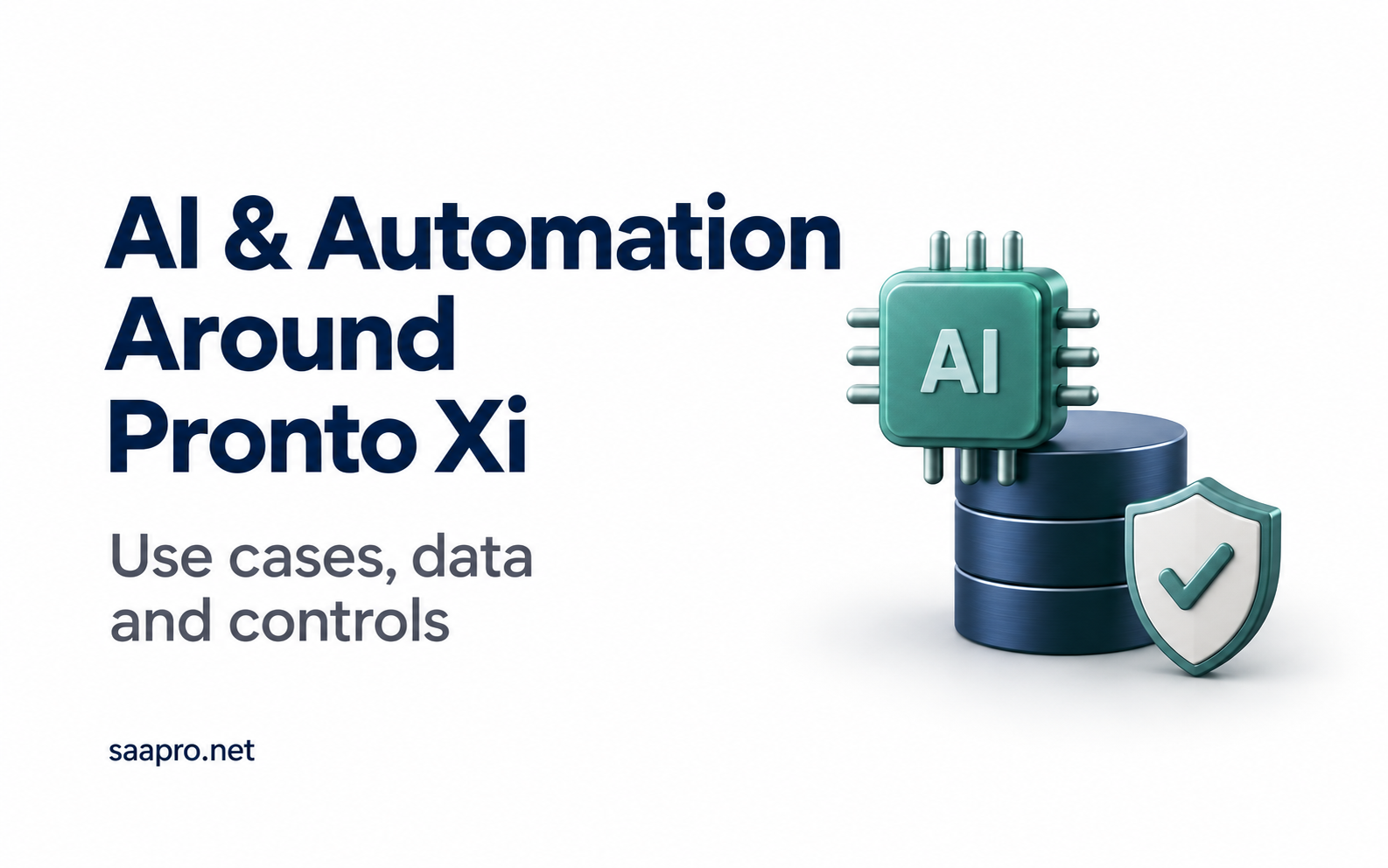
AI and Automation Around Pronto Xi: Use Cases, Data Requirements and Controls
A practical framework for choosing an AI or automation use case around Pronto Xi, covering published capabilities, data requirements, permissions, cost per accepted task and how to run a pilot.
Start AI and automation around Pronto Xi with a repeated, costly task, reliable data and an accountable owner. Compare existing Pronto functionality, conventional automation and AI before selecting a solution. Approve a pilot only when its outputs can be checked, its permissions are defined and its net business benefit can be measured.
For CFOs, CIOs and IT leaders, the first decision is which task deserves investment. The second is what the solution may access, recommend or change.
This guide provides a framework for choosing one worthwhile use case, validating its requirements and deciding whether to proceed, revise or stop.
Which Pronto Xi automation should you assess first?
Start with a measurable operational problem. The examples below are proposed workflows to evaluate, not claims that each is a ready-made Pronto Xi feature.
| Business problem | Simpler approach to compare | Potential AI contribution | Evidence needed to justify a pilot |
|---|---|---|---|
| Repeated invoice entry and investigation | Structured invoice integration and matching rules | Extracting information from varied documents | Sufficient invoice volume, accessible source records and measurable review effort |
| Slow receivables investigations | A consolidated account and exception report | Summarising dispute notes and supporting records | Reliable links between invoices, receipts and disputes |
| Too many inventory exceptions to review | Existing thresholds and planning rules | Prioritising patterns for planner assessment | Relevant history and a way to measure useful and missed exceptions |
| Time-consuming management commentary | Reconciled reports and reusable templates | Drafting explanations from approved evidence | Consistent measures, source notes and a qualified reviewer |
| Repeated questions about procedures | An organised, searchable procedure library | Answering questions with references | Current documents, clear ownership and permission rules |
Compare candidate tasks by frequency, current cost, data readiness, integration effort, reviewer capacity and the consequence of an error. A read-only report can still be consequential if its commentary informs a board decision.
Choose a first pilot with reviewable outputs and a limited scope. If a reliable rule or existing report solves the problem, assess that option before adding AI.
Separate published capabilities from production readiness
Pronto Software publicly describes the following capabilities:
| Capability | Published role | Installation-specific checks |
|---|---|---|
| Pronto AI | An embedded assistant with natural-language ERP data access, summaries, predictive insights and workflow assistance | Exact feature, release, deployment, licence and permitted actions |
| Tasks & Alerts | Configurable triggers, notifications and scheduled checks | Supported events, rules, recipients and escalation behaviour |
| Pronto Connect | An API platform for external application integration | Endpoints, authentication, validation and transaction support |
| Partner AP automation | Third-party invoice automation integrated through Pronto Connect | Vendor, connector, matching, approvals and exception handling |
| Pronto iQ Livelink | Replication of Pronto Xi data into a data warehouse | Included data, refresh lag, reconciliation and downstream permissions |
Pronto's AI page includes product descriptions and development-oriented statements. Use four evidence stages before treating a capability as ready for your business:
- Publicly described: a vendor source supports the product statement.
- Confirmed for your environment: release, licensing, deployment and prerequisites are established.
- Demonstrated in your workflow: representative tasks and exceptions have been tested.
- Accepted for production: business, technical and control requirements have passed.
An API or replicated dataset enables access; it does not establish AI functionality. Livelink's documented replication role should not be taken as evidence of transactional write-back support.
Define the data and quality test for each use case
Supplier invoice capture and exception review
Use invoice documents, supplier identifiers, purchase orders, receipts where applicable, coding rules and approval requirements.
Pronto's Accounts Payable overview describes third-party electronic capture, purchase-order matching, approval workflows and exception review. Confirm the chosen product's methods and integration behaviour.
Test: correct supplier, invoice number, amounts, quantities and duplicate handling. Route ambiguous matches to an authorised reviewer. Keep payment release and supplier bank-detail changes outside the initial pilot's authority.
Receivables investigation summaries
Use invoices, due dates, receipts, credits, disputes and approved correspondence. Preserve links to source records and their timestamps.
Test: correct outstanding balance, dispute status and supporting references. Check that received payments are not presented as unpaid debt. Have staff approve customer communications; do not permit the pilot to change credit limits or promise concessions.
Inventory exception triage
Use balances, movements, open orders, lead times, units of measure and relevant demand history.
Test: useful exceptions identified, unnecessary alerts and material exceptions missed. Compare with current planning rules. For predictive methods, evaluate later data that was not used to develop the model. Retain planner approval over purchases and replenishment changes.
Management report commentary
Use reconciled actuals, budgets, period definitions and approved explanatory notes. Obtain numbers from validated calculations or reports.
Test: correct figures, appropriate comparisons and evidence for stated causes. A plausible explanation of a variance is not proof. Require review before commentary informs consequential decisions.
Internal procedure assistance
Use approved procedures with owners, effective dates, release relevance and access classifications.
Test: current instructions, relevant source references and appropriate escalation. Include questions with no supported answer and questions requiring restricted information. The assistant should identify missing evidence rather than invent a procedure.
For every use case, define critical errors separately from minor defects. An average accuracy score can conceal an unacceptable failure in a supplier identity, balance or instruction.
Establish the minimum data requirements
Agree the following for the selected workflow:
- Identifiers: dependable links between entities and transactions.
- Definitions: consistent meanings for margin, overdue balance, available stock and other measures.
- Scope: companies, sites, periods, currencies, units and exclusions.
- Freshness: last successful refresh and acceptable data age.
- Evidence: source records and versions used for each result.
- Ownership: who resolves missing or inconsistent information.
Reconcile extracts with trusted source records. Data suitable for analysis may be too old for a stock commitment or transaction approval. Revalidate relevant live information before executing an approved action.
Answer four control questions before the pilot
1. What information may the system access?
Restrict access to the records and fields needed for the task. Test the ERP, integration identity, replicated store, search index, cached answers and logs. Do not assume an external assistant inherits Pronto's user permissions.
For each service, confirm processing locations, recipients, retention, deletion, support access and training use. Pronto states that its AI offering uses access controls, encryption and isolation, and does not use customer data to train shared or public models. Those vendor statements do not automatically apply to a separately selected service. See Pronto AI data security.
2. What may it recommend or change?
Specify whether the solution may read, draft, submit an approved action or act within a narrow policy. Start with only the authority the use case requires.
Enforce allowed operations, identities and limits outside the language model. Use dedicated integration identities and supported transaction paths. Documents and emails supply evidence; they must not grant permissions or rewrite procedures.
OWASP identifies prompt injectionand excessive agency as risks and recommends restricted permissions and human approval for high-risk actions.
3. Who approves consequential actions?
Name the reviewer and confirm they have time and authority to make the decision. Show the source evidence, affected records, amounts and complete proposed action.
Record approval and require it again if material details change. Preserve the business's separation between preparation and approval. A model's confidence or a generic confirmation button is not sufficient evidence of an informed decision.
4. How will errors be detected and corrected?
Test missing data, stale records, denied access, outages and repeated requests. For transaction changes, establish whether an action posted before retrying so a timeout does not cause duplicate processing.
Assign exception ownership, retain appropriate audit records and provide a way to disable the workflow. Use documented correction procedures; a posted accounting event may require an authorised adjustment rather than deletion.
Compare cost per successfully completed task
Ask a commercial question that includes the whole process:
What does an accepted result cost after checking, correction, exceptions and support?
For a consistent measurement period:
Operating cost per accepted task = total workflow operating cost ÷ tasks completed to the agreed acceptance standard.
Include labour, review, rework, manual fallback, usage charges, licences and allocated support costs. Costs of failed attempts belong in the numerator. Compare equivalent workloads and quality standards across the current process, a simpler automation option and the AI proposal.
Show initial implementation and data-preparation costs separately in the investment case. Allow for connector maintenance, permission changes, evaluation updates and procedure upkeep. A favourable per-task cost may still fail to justify setup costs if volumes are low.
Measure capacity released using:
Net hours released = baseline hours for equivalent work − new processing, review, correction and support hours.
Explain how those hours create value. Treat them as cash savings only where expenditure falls or a credible cost is avoided. Report earlier cash collection separately from profit improvement and avoid counting the same benefit twice.
Run a pilot with a decision at the end
Choose one task, a defined user group and a representative workload. Record the baseline, scope, permissions, costs and acceptance criteria before testing.
Test normal work and difficult exceptions. Reserve cases that were not used to configure the solution, including cases where it should decline to answer or escalate. Track reviewer effort as well as output quality.
Retest affected behaviour after changes to models, prompts, connectors, permissions or source data. Record results and unresolved issues so decision-makers can assess the evidence.
| Decision owner | What they approve |
|---|---|
| CFO or finance sponsor | Baseline, benefit assumptions, total cost and financial controls |
| Process owner | Workflow, exceptions, output quality and review capacity |
| CIO or IT owner | Integration, access, reliability, support and recovery |
| Security specialist, where required | Data handling and permission boundaries |
Make the outcome explicit:
- Proceed: acceptance criteria pass, controls work and the net benefit supports the defined production scope.
- Revise: the opportunity remains credible, but specific defects or costs require correction and retesting.
- Stop: a simpler option performs better, the economics do not justify investment or required controls cannot be demonstrated.
Passing a pilot authorises its agreed scope, not unrestricted access or autonomous action across the ERP.
Match the work to the expertise required
Identify the capability gap before adding technology: Pronto functional expertise for process and configuration, technical expertise for integration, business analysis for requirements, or testing capacity for acceptance evidence.
Contact SAAPRO to discuss permanent or contract Pronto professionals aligned with those needs. Assess specialist AI and security expertise separately where the solution requires it.
Frequently Asked Questions
Pronto Software publicly describes Pronto AI as embedded in Pronto Xi. Confirm the exact feature, release, deployment, licensing and permission requirements with your provider. Move from published description to demonstrated workflow before treating it as production-ready for your business.
Pronto Connect provides an external integration platform. A specific workflow still requires validation of available endpoints, authentication, data permissions, transaction support and recovery. A successful connection alone does not demonstrate that the solution meets production requirements.
Pronto documents Livelink as replicating ERP data into a data warehouse. That data may support a separately designed analytics or AI workflow. Replication should not be confused with an assistant or assumed to provide transactional write-back.
Choose a frequent, costly task with dependable data, reviewable outputs and an accountable owner. Compare it with existing Pronto functionality and conventional automation. The best candidate is the one with credible net value and controls proportionate to the consequences of error.
Compare total cost and cost per accepted task with the current process and a simpler alternative. Include review, correction, support and implementation costs. Separate capacity gains from cash savings, and validate that transaction volume is sufficient to justify the investment.
Key Takeaways
- ✓Start with a repeated, costly task, reliable data and an accountable owner. Compare existing Pronto functionality and conventional automation before choosing AI.
- ✓Move each capability through four evidence stages: publicly described, confirmed for your environment, demonstrated in your workflow and accepted for production.
- ✓An API or replicated dataset enables access, but it does not establish AI functionality or transactional write-back.
- ✓Define critical errors separately from minor defects. An average accuracy score can hide an unacceptable failure.
- ✓Restrict what the system may access and change, enforce those limits outside the language model, and name a reviewer with the time and authority to approve consequential actions.
- ✓Judge the business case on cost per accepted task, including review, correction and support, and count released hours as cash savings only where expenditure actually falls.
- ✓End every pilot with an explicit decision to proceed, revise or stop.